

 doris@jshnbuzzer.com
How to Use a Tiny Piezo Buzzer in Your Electronics Projects
 Feb 05, 2026|
 View:1755
You can use a tiny piezo buzzer to make sound alerts in your electronics projects. This small device changes electrical signals into loud beeps or tones. A tiny piezo buzzer lets you add simple sound notifications to your circuits. You only need basic wiring skills to connect a tiny piezo buzzer. Many students and hobbyists begin with a tiny piezo buzzer because it works well in many projects. The Piezo Buzzer gives you a clear signal when your system needs attention. You will find the tiny piezo buzzer easy to use and very dependable.
Key Takeaways
A tiny piezo buzzer is great for sound alerts. It is small and works well. It is also simple to use.
Always look at the voltage and current for your piezo buzzer. This helps you avoid breaking it. Use the right power supply for best results.
Connect the positive and negative pins the right way. This makes sure your buzzer works. Use a multimeter if you do not know the pin labels.
Try using PWM signals to make different sounds. This makes your projects more fun and interactive.
Add protective parts like diodes to keep your circuit safe. This stops voltage spikes and helps your project last longer.
What Is a Tiny Piezo Buzzer?
Small Piezo Buzzer Basics
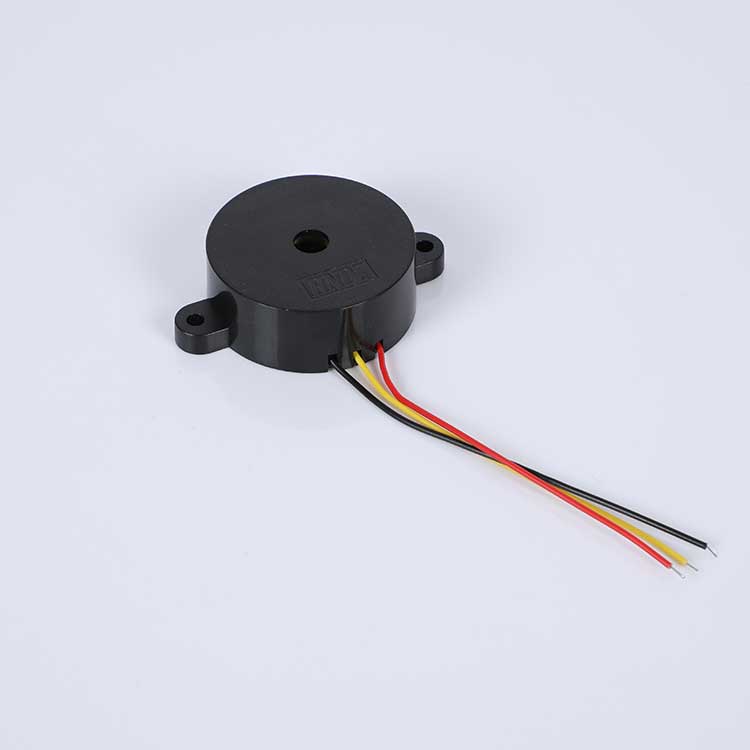
A small piezo buzzer is used in projects for sound alerts. It makes noise using a piezoelectric material. Most small piezo buzzers are easy to fit in small spaces. Their size is between 10mm and 27mm wide. There are many types of small piezo buzzers. The HNDZ Mini 12VDC 90dB Piezo Buzzer is popular. It is loud and very small. This buzzer is only 23mm wide and 19mm tall. You can put it almost anywhere.
Buzzer Size | Diameter Range |
|---|---|
Small Piezo Buzzers | 10mm to 27mm |
A small piezo buzzer is good for projects where space is tight. These buzzers are used in alarms, timers, and systems that give notifications.
How a Piezo Buzzer Works
When you give power to a piezo buzzer, the disc bends and shakes. This shaking makes sound waves you can hear. Inside, a metal plate with piezoelectric material reacts to electricity. The drive circuit sends a signal that makes the disc move fast. This movement makes a loud and clear sound. Piezo material works quickly and lasts a long time.
The piezo bender bends when it gets voltage and vibrates.
The drive circuit sends signals to make sound.
The piezoelectric material moves the disc to make sound.
Key Features and Specs
You should check the features of small piezo buzzers before picking one. The HNDZ Mini 12VDC 90dB Piezo Buzzer works with 3V to 24VDC. It makes at least 90dB of sound, which is loud enough for most places. Its small size helps it fit in your project.
Specification | Value |
|---|---|
Rated Voltage | 12VDC |
Operation Voltage | 3-24VDC |
Sound Output | Min 90dB |
Physical Dimensions | Φ23x19 mm |
You can compare how loud different small piezo buzzers are using this chart:

When you pick a small piezo buzzer, look at the voltage, sound, and size. These things help you choose the right buzzer for your project. Small piezo buzzers also use little power and work well at high frequencies.
How to Connect a Piezo Buzzer
Identifying Buzzer Pins
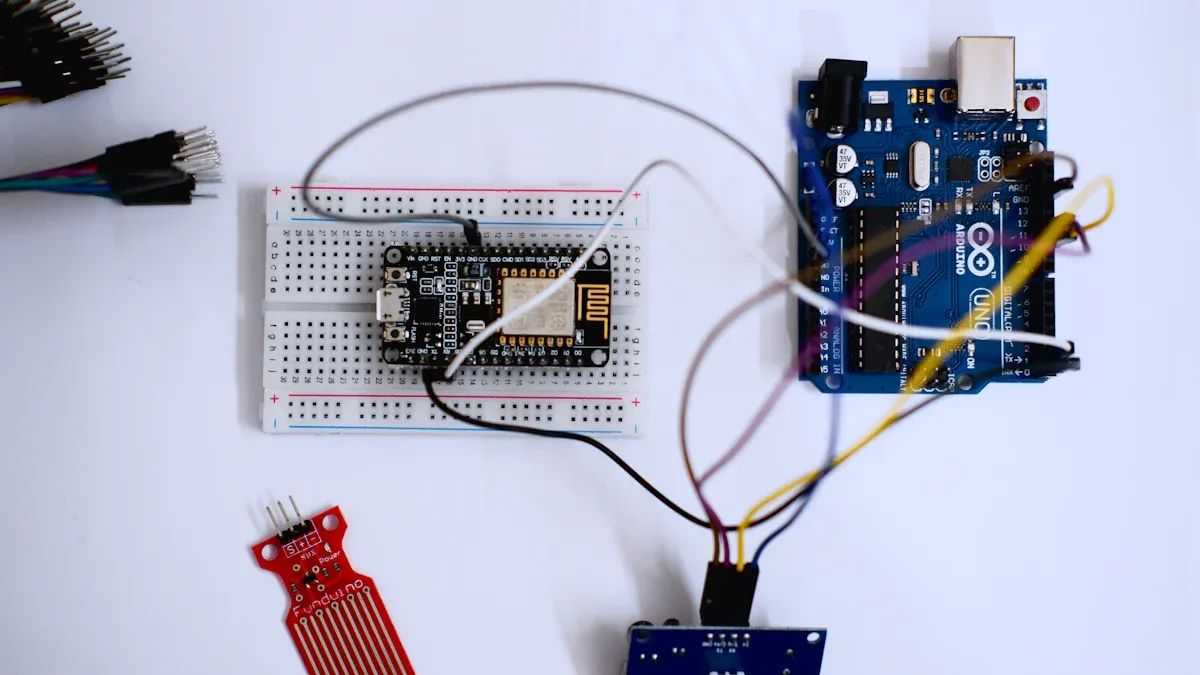
You need to identify the pins before you connect a piezo buzzer. Most piezo buzzers have two pins. One pin is positive, and the other is negative. The positive pin often has a longer lead or a "+" sign on the case. The negative pin is shorter or marked with a "-". If you use the HNDZ Mini 12VDC 90dB Piezo Buzzer, you will see these markings on the body. Always check the datasheet or look for symbols on the buzzer. This step helps you avoid wiring mistakes.
Tip: If you cannot find the markings, use a multimeter to check continuity. The positive pin connects to the power source, and the negative pin goes to ground.
Wiring a Tiny Piezo Buzzer
You can connect small piezo buzzers on a breadboard or a printed circuit board (PCB). Follow these steps to assemble your circuit:
Order the circuit board or use a breadboard for your project.
Solder non-polarized components, such as switches and resistors. You do not need to worry about orientation for these parts.
Solder polarized components, including the LED and piezo buzzer. Make sure you match the positive and negative leads to the correct spots.
Solder the battery holder or connector. Check that all parts are secure.
When you connect the buzzer to a power source, always match the positive pin to the voltage supply and the negative pin to ground. If you use a PCB, double-check the traces before soldering. On a breadboard, use jumper wires to make connections.
Note: You should add a diode in parallel with the piezo buzzer if your circuit uses inductive loads, such as relays or motors. The diode protects your components from back EMF, which can damage sensitive electronics.
Example Circuit with Arduino
You can easily connect a piezo buzzer to an Arduino. This setup lets you create sound alerts or play tones. Use jumper wires to connect the buzzer to the Arduino pins.
Component | Connection |
|---|---|
Piezo Buzzer | Positive pin to pin 9 |
Negative pin to GND |
You can also add a button to control the buzzer. Connect the button to a digital pin and ground. This setup lets you turn the buzzer on or off with a press.
Here is a simple Arduino code example:
int buzzer = 9; // Buzzer connected to digital pin 9void setup() { // No setup needed}void loop() { tone(buzzer, 1000); // Play a 1000 Hz tone delay(1000); // Wait for 1 second noTone(buzzer); // Stop sound delay(1000); // Wait for 1 second}This code makes the piezo buzzer beep every second. You can change the frequency or timing to create different sounds. Try experimenting with other pins or sound patterns. You will find that Arduino projects become more interactive when you add a piezo buzzer.
Tip: Always check the voltage range for your piezo buzzer. The HNDZ Mini 12VDC 90dB Piezo Buzzer works from 3V to 24VDC, so you can use it with many Arduino boards.
You now know how to connect small piezo buzzers to breadboards, PCBs, and Arduino. You can use these steps to add sound alerts to your electronics projects.
Piezo Buzzer Tips and Best Practices
Voltage and Current Guidelines
Check the voltage before you connect a piezo buzzer. The HNDZ Mini 12VDC 90dB Piezo Buzzer works best from 3V to 24VDC. Do not use more voltage than the rated amount. Too much voltage can break the piezo or make it quieter. Make sure your power supply matches what the buzzer needs.
A piezo buzzer uses only a few milliamperes. Microcontrollers cannot give high current by themselves. Use an amplifier circuit or a transistor to keep your microcontroller safe. Add a freewheeling diode to your circuit. This helps stop damage from sudden current spikes.
Tip: Pick the right buzzer for your project. Always check the datasheet for voltage and current limits.
Signal Types (DC, PWM)
Use the correct signal to make the piezo buzzer sound. A piezo buzzer needs a square wave signal. You can make this with PWM. If you use only dc, the buzzer will stay silent. PWM lets you change the frequency and voltage. This helps you make different tones and pitches. You get more control over the sound and your project is more fun.
Piezo buzzers need a square wave signal to make sound.
PWM changes the sound by changing frequency and voltage.
dc signals do not work for passive piezo buzzers.
Common Mistakes to Avoid
Know what to watch out for when using small piezo buzzers. Many problems come from wiring mistakes or missing protection parts. Dropping the piezo buzzer or skipping a load resistor can cause voltage spikes. These spikes might hurt other parts in your circuit. Always use a load resistor or a protective diode.
Here are some best practices for long-term safety:
Best Practice | Description |
|---|---|
Maintenance | Check piezo buzzers often in important systems. |
Installation Precautions | Do not tighten screws too much or you might break the ceramic disc. |
Soldering Guidelines | Keep the soldering iron below 350°C and touch for less than 3 seconds. |
Legal Compliance | Follow local rules for noise and EMC standards in your area. |
If your piezo buzzer does not work, try these steps:
Step | Description |
|---|---|
1 | Check if the oscillating circuit works right. |
2 | Test the piezo buzzer to see if it works. |
3 | Look for rust or damage on the buzzer. |
Note: Always check your wiring and use protection parts. This keeps your piezo buzzer and other electronics safe.
Arduino Projects and Creative Uses
Alerts and Alarms
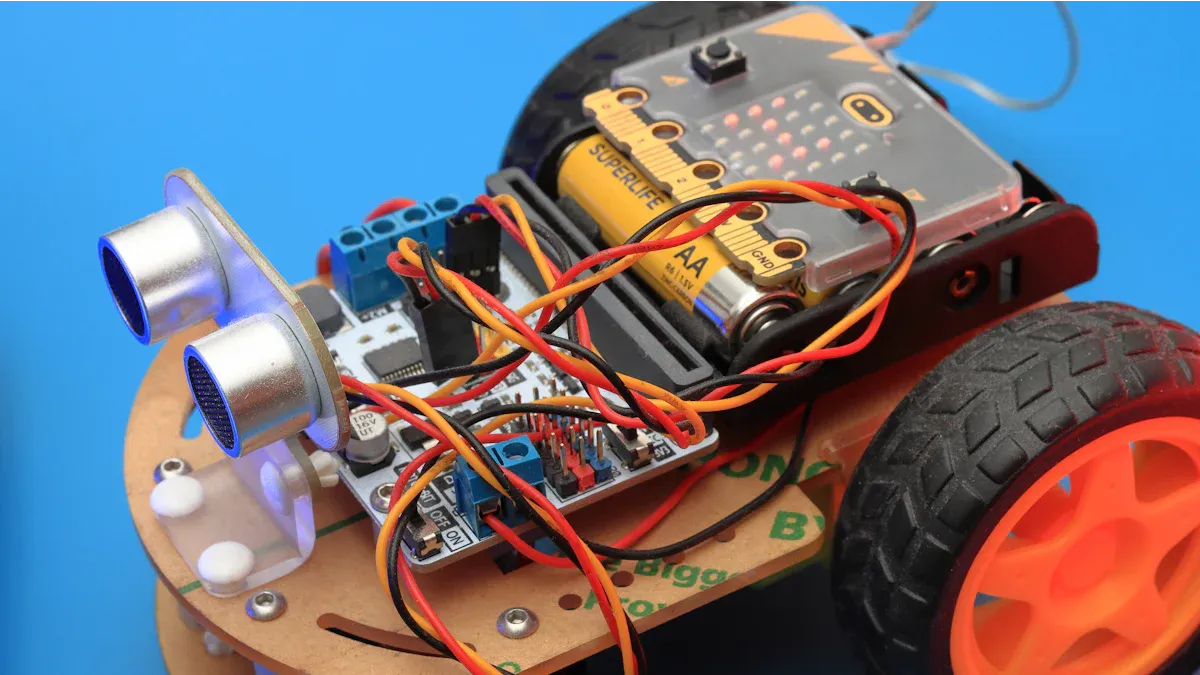
You can use a piezo buzzer in arduino projects to make alerts and alarms. When you want to warn someone about a door opening or a timer ending, the buzzer gives a clear tone. Many people choose a piezo buzzer because it is small and uses little power. You can add it to a diy project for home security or a simple reminder system. The buzzer works well in different environments and lasts a long time. You will find it in smart home devices, safety alarms, and even medical equipment. The piezo buzzer only uses energy when it makes a sound, so your project stays efficient.
Fun Arduino Project Ideas
You can get creative with arduino and piezo buzzers. Try making diy music tones or sound patterns for games. You can program the arduino to play a melody or a custom tone when you press a button. Many students enjoy building a reaction timer game that uses a buzzer for feedback. You can also make a simple musical instrument by connecting several buttons to the arduino. Each button can play a different tone. The table below shows how you can use code to control the buzzer and create patterns:
Code Snippet | Description |
|---|---|
digitalWrite(gpActiveBuzzer, HIGH); | Turns the buzzer on to make a tone. |
delay(3000); | Keeps the tone on for 3 seconds. |
digitalWrite(gpActiveBuzzer, LOW); | Turns the buzzer off. |
delay(2000); | Keeps the buzzer off for 2 seconds. |
for (i = 0; i < 80; i++) | Loops to make the first tone frequency. |
delay(1); | Sets the length of each tone. |
Try changing the delay and loop values to make new sounds. You can experiment with different tone patterns for your arduino projects.
Other Small Piezo Buzzer Applications
You can use a piezo buzzer in many other ways. Add it to a project that needs a notification, like a temperature warning or a water level alert. The buzzer can also help you find lost items by making a loud tone when you press a button. Many gadgets and vehicles use piezo buzzers because they are compact and reliable. You can even use a piezo buzzer to teach coding by making simple arduino projects that play a tone when a sensor detects movement. The piezo buzzer gives you a flexible way to add sound to any diy project.
You can make your arduino projects more fun and useful by trying new tone patterns and notifications. The piezo buzzer lets you explore sound in creative ways.
You can use a tiny piezo buzzer by doing these steps:
Get your Arduino, the buzzer, and some wires.
Attach the positive lead to a digital pin. Connect the negative lead to ground.
Write code to play a sound and upload it.
Test your project and listen for the beep.
Always check the voltage and add protection parts. Try using sensors for things like alarms or smart home projects. You can also make new sound patterns to make your electronics more fun!
FAQ
How do you know which pin is positive on a piezo buzzer?
You can look for a "+" symbol or a longer lead on the buzzer. The positive pin connects to the power source. The negative pin usually has a "-" mark or is shorter.
Can you use a piezo buzzer with any microcontroller?
You can use a piezo buzzer with most microcontrollers. Make sure the voltage matches the buzzer’s range. Use a transistor if the microcontroller cannot supply enough current.
What is the best way to make different sounds with a piezo buzzer?
You can use PWM signals to change the frequency. Try the Arduino tone() function to play different notes. Experiment with delays and patterns to create unique sounds.
Why does my piezo buzzer not make any sound?
Check your wiring first. Make sure you use a square wave signal. If you connect only DC power, the buzzer stays silent. Test the buzzer with a known working circuit.
Is it safe to use a piezo buzzer outdoors?
You can use some piezo buzzers outdoors. Check the operating temperature and weather resistance in the datasheet. Protect the buzzer from water and dust for longer life.




Recent News
1.What is the lifespan of smd piezo buzzer?
2023-03-282.What material is the pin buzzer made of?
2023-04-043.What are the advantages of a lead buzzer?
2023-04-114.What's the Difference Between Piezo Buzzers and Electromagnetic Buzzers?
2023-03-235.How does an electromagnetic buzzer work?
2023-04-186.Is small piezo buzzer active or passive ?
2023-05-187.How loud can a smd piezo buzzer be?
2023-05-048.How Do Piezo Buzzers Work?
2025-06-209.How Do Piezoelectric Buzzer Work
2025-07-11